
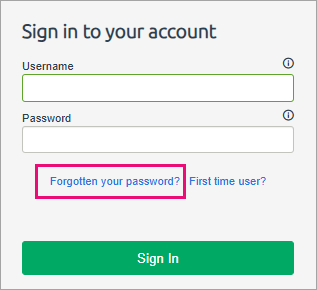
This help article explains why an employee would experience an error using the “Forgotten your password?” login page link to setup a new password, and the steps required to correct it.
Error:
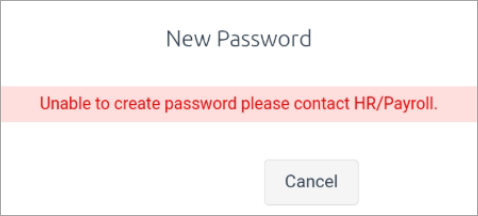
The error is - Unable to create password please contact HR/Payroll
Cause:
This error occurs when the employee hasn’t provided the answers to the security questions found in ESS > My Details > Password Questions.
Solution:
If the employee is unable to login, the payroll team can reset the password from PayGlobal.
Once the employee has logged in, they should complete the password questions found in ESS > My Details > Password Questions. Once the questions are answered, the employee will be able to use the “Forgotten your password?” link to reset their password.