
Use this process when an employee cannot access Employee Self-Service (ESS) and their password needs to be reset by a payroll administrator or if you need to do some tests in your ESS Test by using an employee profile. This does will not affect the employee’s Live ESS access.
Before you begin
Confirm the employee’s User ID. This may be their employee code, alternate user ID, or username.
For testing, complete the reset in the PayGlobal TEST environment.
Procedure
-
Open the employee’s record in PayGlobal.
-
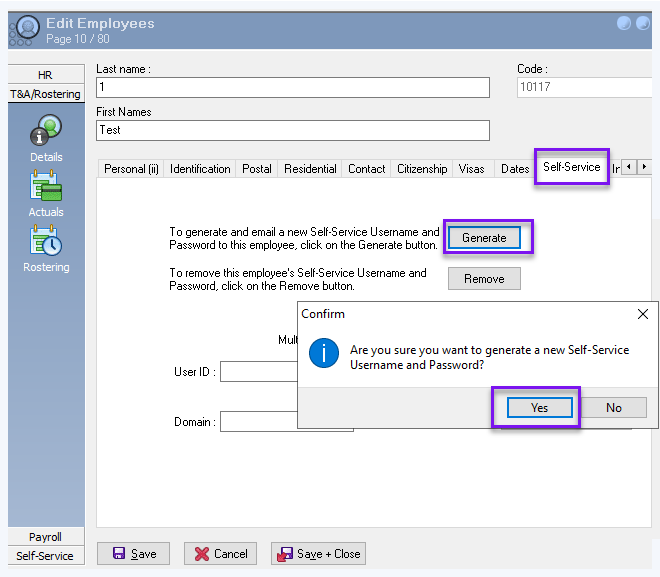
Go to HR > Details > Self Service.
-
Click Edit.
-
Select Generate Password.
-
Select Yes when prompted to generate a new password.
-
Enter the new password in Password and Confirm password, then select OK.
-
Choose how to provide the password:
-
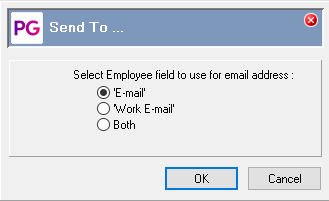
Select the email option to send the password to the employee.
-
Select Cancel if you are setting the password in TEST or need to provide it through another secure method.
-
-
Select Save and Close to apply the change.