Process Flow Delete is the function in the ESS Administration site that allows you to delete workflows.
Click here for instructions to login to ESS Admin Site
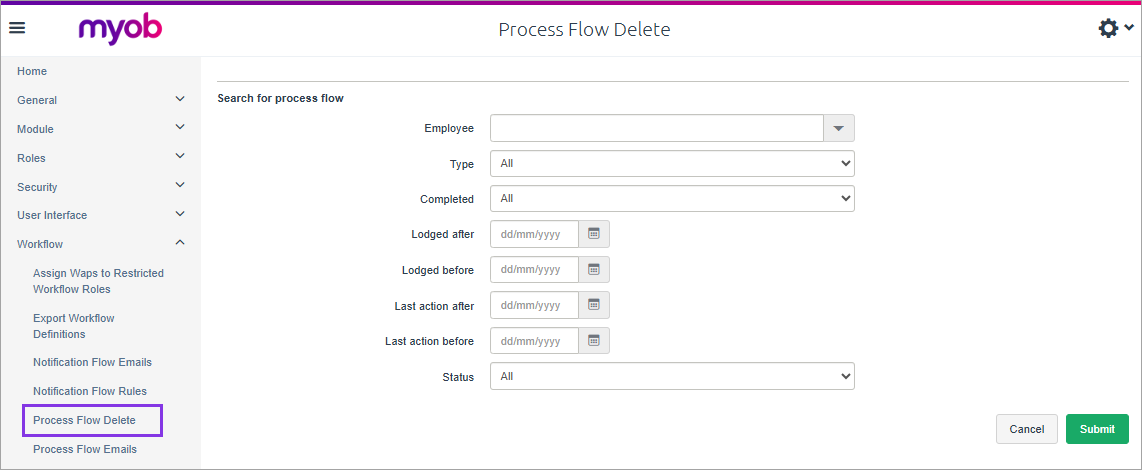
After logging into ESS admin, expand Workflow from menu on left and click Process flow delete.
You can delete workflows for terminated employees, but you can’t search by the Employee Code to do this.
Use the other fields instead of Employee Code to search.
Fill in relevant fields to search for leave requests.
After applying search filters, click submit.
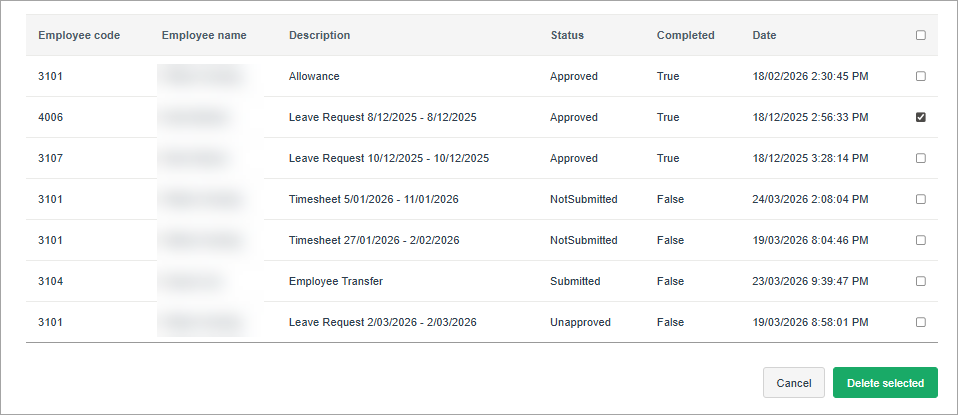
A list of workflows is displayed that match the filter.
Click the box at the end of the line to select a workflow to delete (you can click more than one).
Scroll down to the bottom of the page and click Delete Selected.