
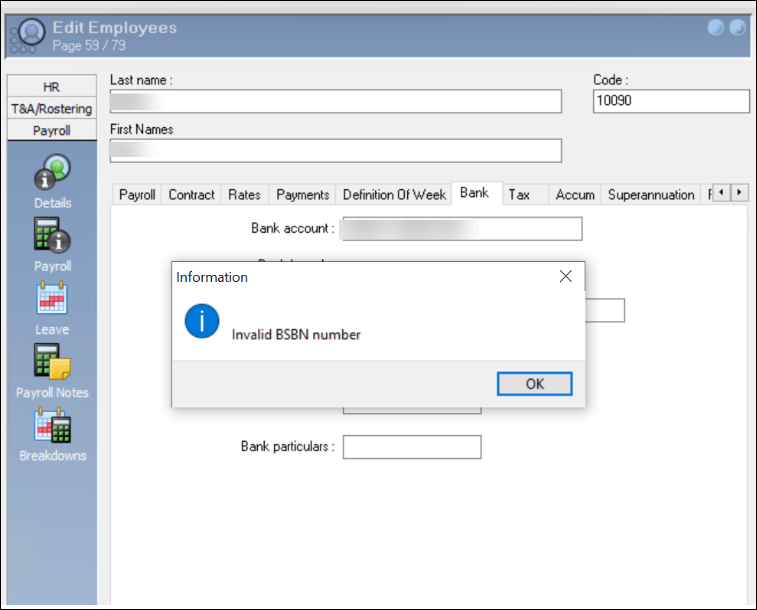
If you receive the error “Invalid BSBN number” when adding an employee’s bank account, please follow the steps below to resolve this.
-
Validate that the BSBN number is accurate. You can counter check by using references in the internet. For example, you can use https://www.bsbnumbers.com/bsb/anz.html to check the validity.
-
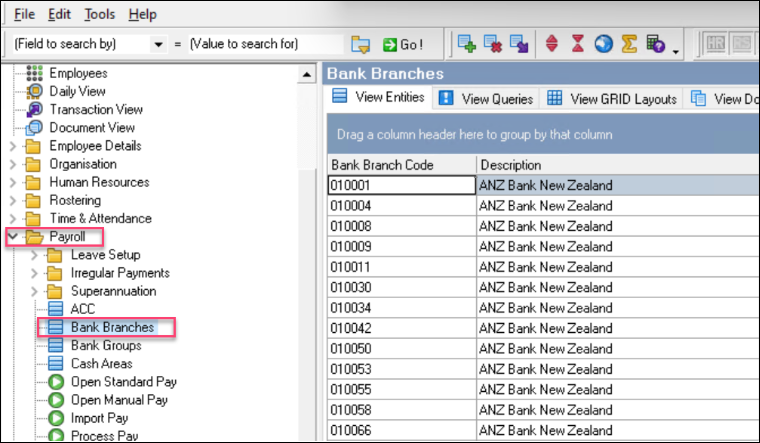
Once the BSBN has been verified, navigate to Payroll> Bank Branches to confirm that this BSBN has not been added.
-
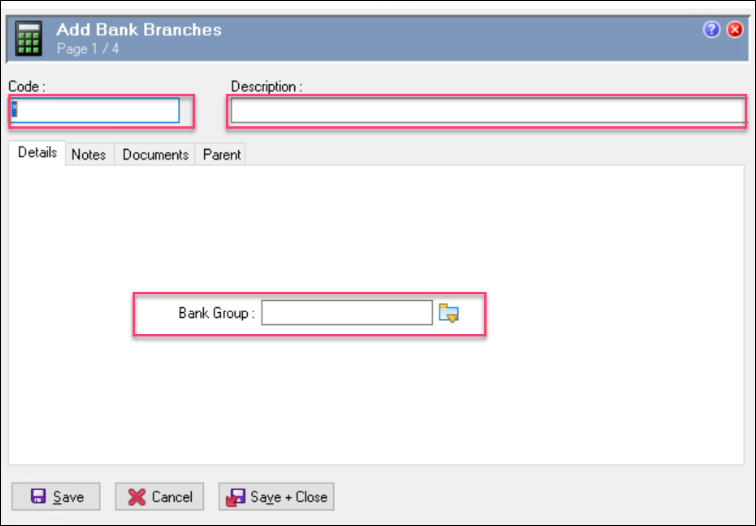
If the BSN does not exist, simply right click on the page above, Add a record and enter the details of the missing Bank Branch.
-
The Code will be the bank BSBN without any dashes or spaces.
-
Select the bank group from the Bank Group list.
-
Save and close the record.
-
You will then be able to add the Bank Branch to the employee record.