
If you're trying to sign in to create a support request and you get the error "That email or password doesn't match our records. Please try again.", it means that either:
-
the sign in information you are using is incorrect, or
-
you have not been registered to create support requests for your company.
First, try resetting your password. If that doesn't work, contact your company’s MYOB PayGlobal administrator to discuss adding you as an authorised user.
To reset your password:
-
Click reset password.
-
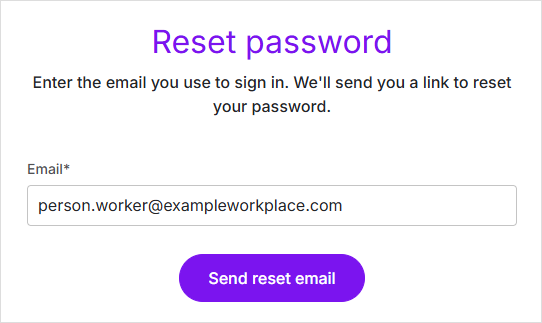
Enter your email address and click Send reset email.
-
Wait to get your password rest email, then follow the instructions in the email to reset your password.
Make sure you check your email spam folders.
If you don't receive the email, it means that you have not been registered to create support requests for your company. Contact your MYOB PayGlobal administrator — they may be able to register you.
For more information on adding authorised users, see Changing authorised users for PayGlobal support.