
Note: The Password Reset link must be used within 24 hours and can only be used once. Please confirm you have typed in the correct username, or you will need to request another password reset link. Once you have clicked on the link, the process must be completed within 10 minutes, and the link cannot be re-used.
This article covers the steps for a new user or an existing user to set a password using the emailed Password Reset Link that is sent from MYOB PayGlobal.
Steps to reset password
The user will receive an email from NewUsers@mail.myobpayglobal.com, or PasswordReset@mail.myobpayglobal.com. Please check the Spam or Junk folder if it is not in the Inbox.
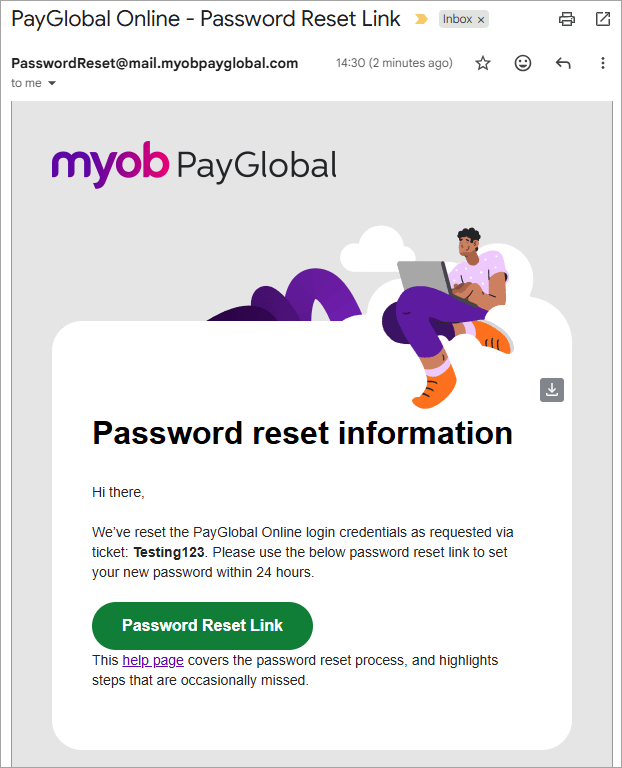
The link opens your browser to the page where you can set a new password.
Note the time on the top right. If you have not completed the password reset in 10 minutes, you can refresh the page (press F5 function key) for another 10 minutes.
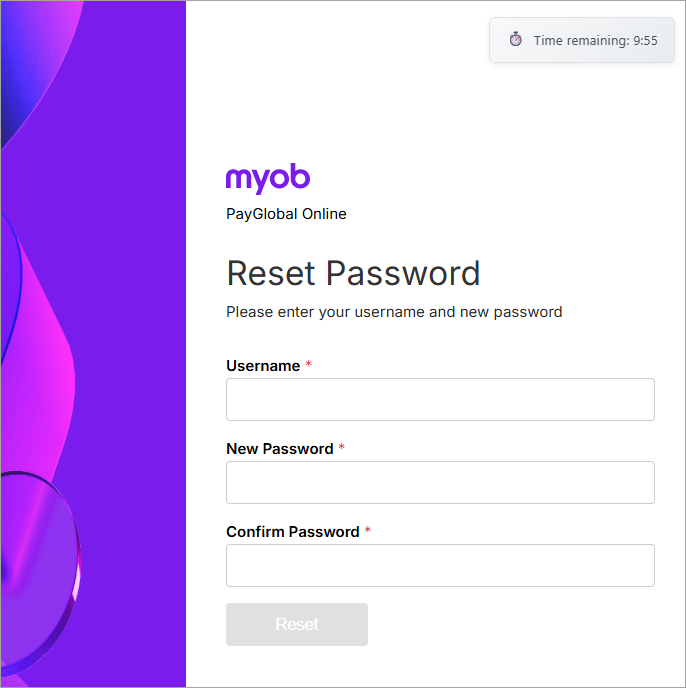
Type in your username (usually your email address) and the new password.
A green tick appears for each of the password complexity requirements as they are fulfilled.
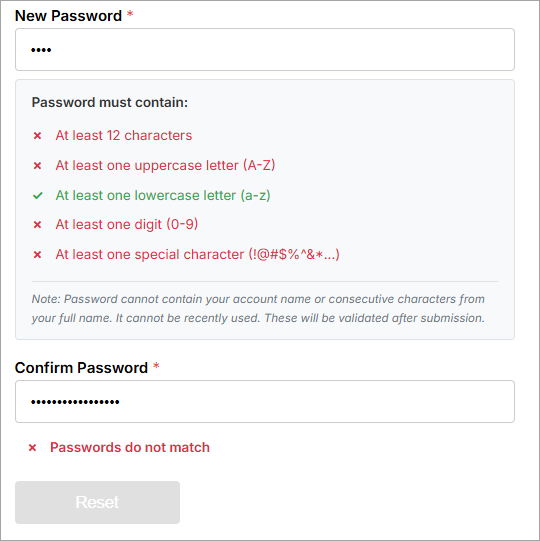
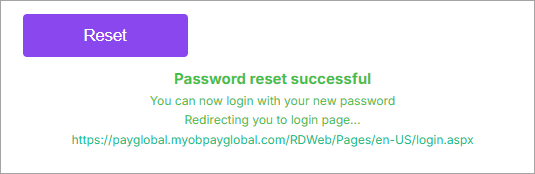
Once you have confirmed the new password and all requirements are ticked, click the Reset button. A message appears confirming success and then you are automatically redirected to PayGlobal Online Access portal to login.
Possible errors:
Invalid or expired reset token. Please request a new reset link.
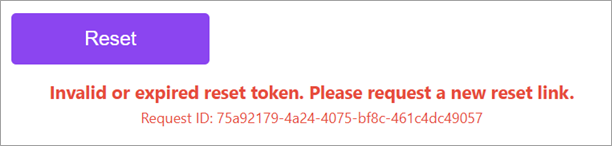
This error occurs when a user attempts to re-use the password reset link. The user must not click on the link until they are ready to complete the password reset as the link will only work the first time it is used/clicked.
Please request another password reset through the same channels if you are unable to login with the password you previously set.
Your password may contain part of your username or may have been used recently.
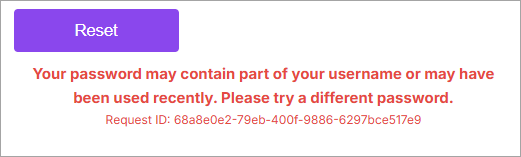
The error occurs in one of the following scenarios:
- the password has already been used previously and cannot be re-used.
- the password contains part of the username.
Something went wrong during password reset.
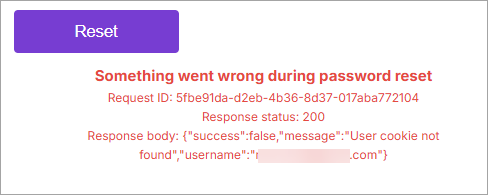
This error occurs if the link is used with the wrong username. Once the link is used, the authentication token is reset and the link cannot be used again. Please check your username/email address with the support team and request another password reset link.
Some users have multiple email addresses or their actual email address may have changed. Another common problem is that the username was typed incorrectly.