Use this page to troubleshoot errors that occur when processing Time and Attendance data. Each section explains the error message, likely cause, resolution steps, and how to confirm the issue has been fixed.
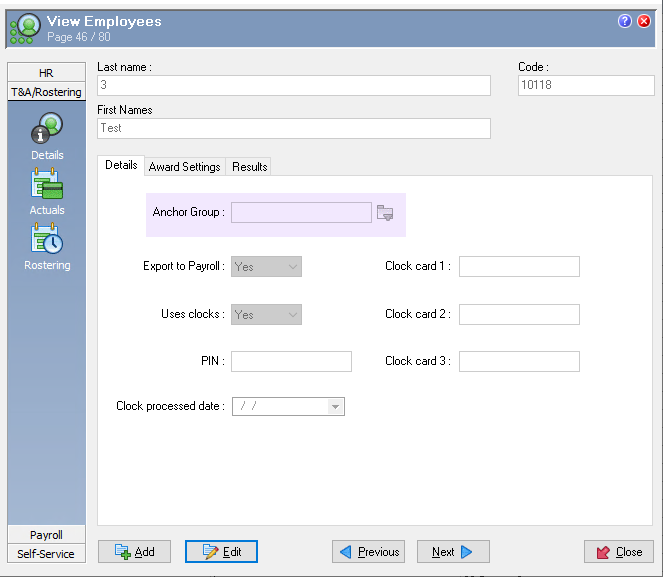
Error in Clock Results Log - Employee does not have an anchor group code
Anchoring is essential because PayGlobal uses the employee’s anchor group to match clock swipes to roster times and process them. The anchor group controls the anchoring window and rounding rules.
-
Check that the employee has the correct anchor group in the profile and reprocess the clocks
-
If clock data has already been processed incorrectly, reset the clock data for the affected days and reprocess using the steps in Negative result when clocks are delayed