
Specifying an Invoice Template for a Debtor in config using the profile “Invoice form files” ( INVOICE_FMT_FILES )
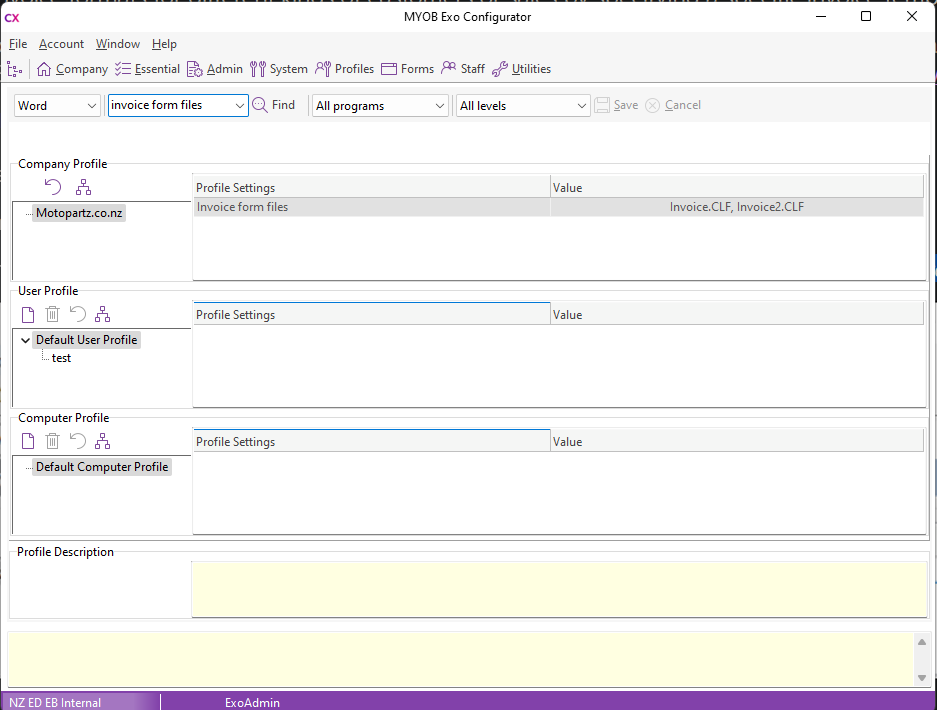
Activates a prompt that appears whenever invoices are selected.
The separate system for Debtor individual invoices is set in details 2:
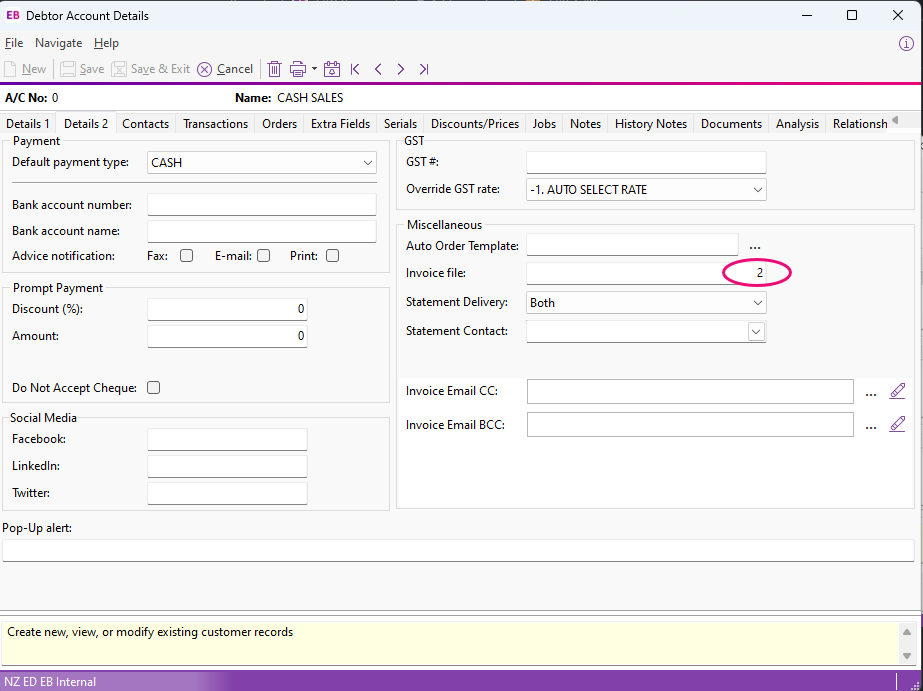
Setting an invoice file in the Miscellaneous field under Debtros will append that number to the end of the CLF called.
The Form list allows you to select between different invoice formats.
So selecting Invoice2.clf for a debtor with a form of 2 will instead select invoice22.clf
The intended purpose here is to allow for different branding/form design that applies universally.
An alternative option is to use the clarity report designer to customize the CLF file to use conditional logic internally to replace required fields/make decisions about what to send.
Workaround/Fix:
Remove the values from the INVOICE_FMT_FILES profile setting