
This screen takes the information in the Head Count/Forecast screen a step further by comparing it on a daily basis with the actual times clocked in Exo Time and Attendance.
Select Forecast vs Actual from the Scheduler menu. The following window appears:
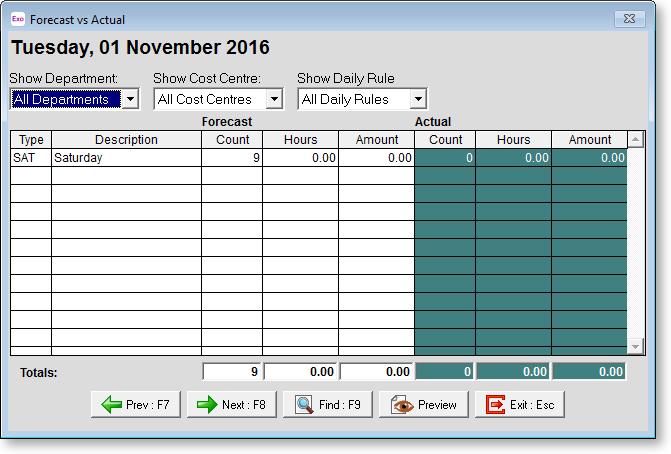
Show Department Show budget vs actual for a particular department only
Show Cost Centre Show budget vs actual for a particular cost centre only
Show Daily Rule Show budget vs actual for a particular daily rule only
Click Preview to display the Forecast vs Actual report on screen and optionally print it.