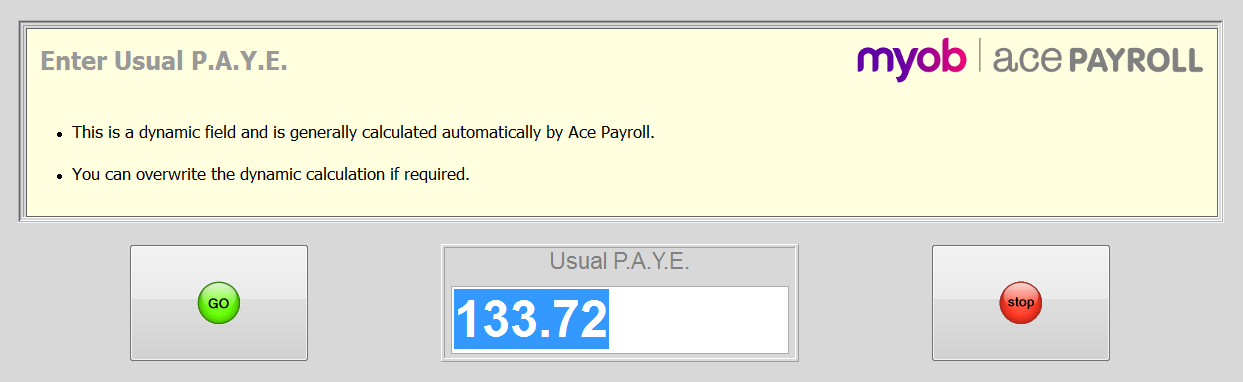
To overwrite an employee's PAYE deduction for the current period
-
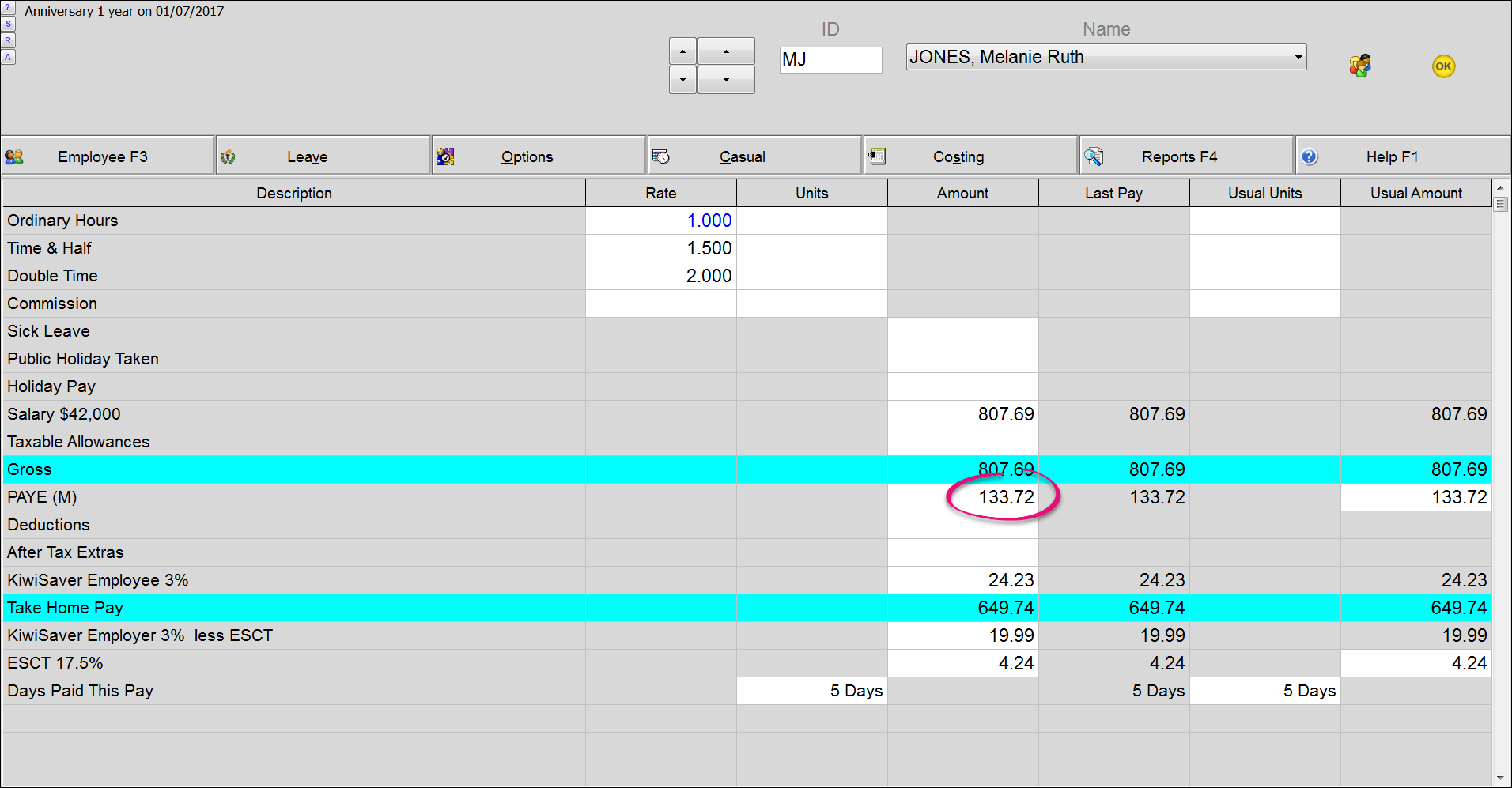
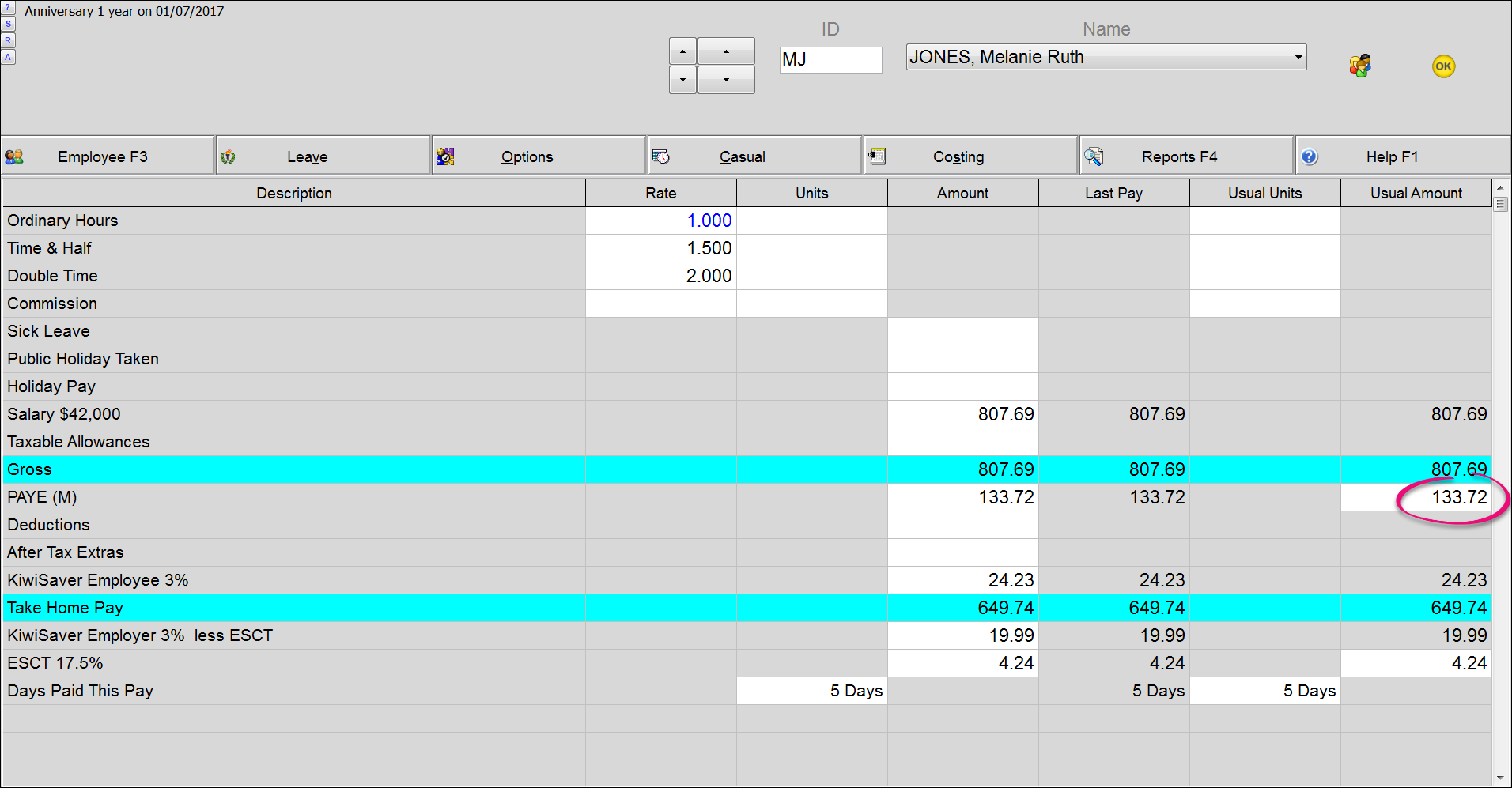
From the front screen, click Calculate pays then click the PAYE/Amount field that is circled below.
-
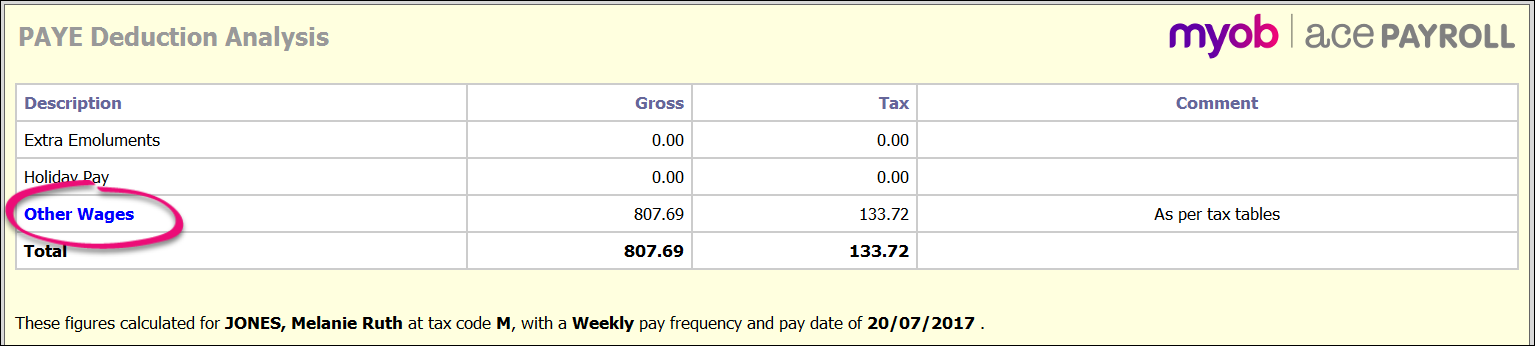
The PAYE Deduction Analysis Report appears. This report itemises the way that the PAYE deduction is calculated. Click Other Wages to overwrite the automatic deduction.
-
Enter the required value and click Go.
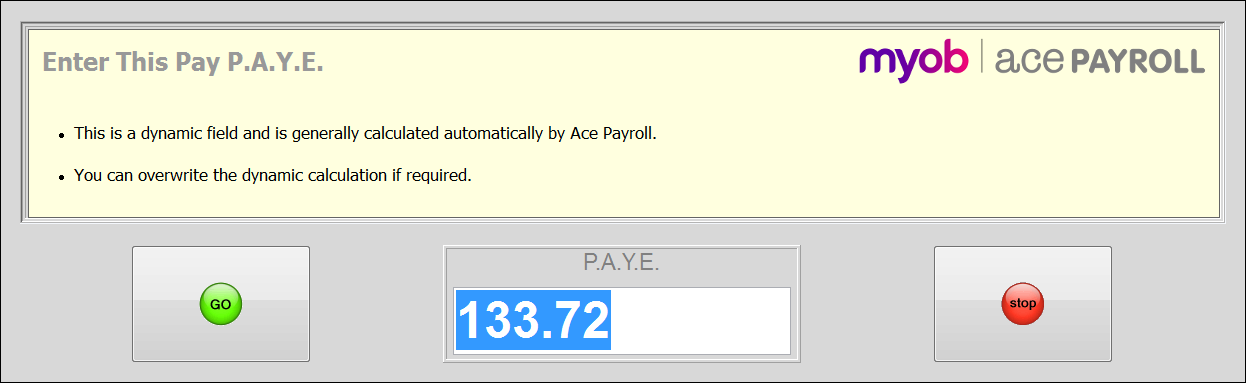
If you have previously overwritten the PAYE deduction, a different dialog is displayed which has the added option of resetting the field to automatic calculation.
To overwrite an employee’s default PAYE deduction
-
From the front screen click Calculate Pays.
-
Click the PAYE field in the Usual Amount column, and enter the new amount.
This becomes the new default PAYE for this employee.
-
Click the PAYE field in the Amount column, and enter the new amount.
This ensures that the new default amount you set in step two is applied to this period.